Local-first core
Completed bills and core sales records are designed to stay on the active browser/device. This reduces dependence on a constant cloud connection for day-to-day local records.
Free Restaurant Billing stores core records locally and uses service-worker caching for the merchant app, but not every connected feature is an offline feature. Treat offline operation as a workflow to test on your exact device—not as a blanket promise that every module works without internet.
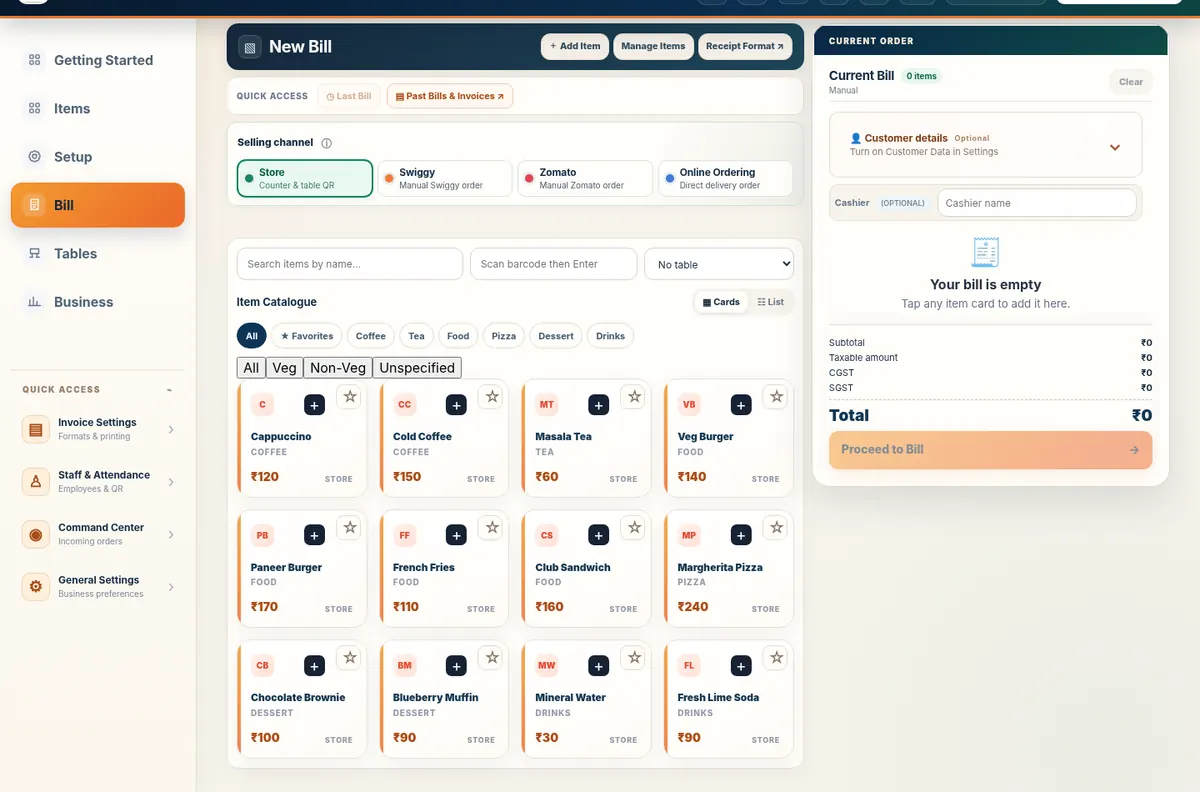
Completed bills and core sales records are designed to stay on the active browser/device. This reduces dependence on a constant cloud connection for day-to-day local records.
Authentication, cloud backup/sync and customer-facing connected ordering flows can require internet. A local-first product should not be described as completely cloud-free.
The current free plan is designed around one active device for new accounts after the connected-services trial. Local records do not automatically appear on another device. Cloud and Cloud Plus are separate connected capabilities; core billing remains available under the free-plan rules.
Start with core billing free, verify your device/browser/printer combination, and keep regular backups of local records.