Tables & combined billing
Track table occupancy and bring supported orders together before final settlement.
Manage tables, KOTs, kitchen preparation, captain orders and final settlement in one restaurant-focused workflow. Core billing stays free.
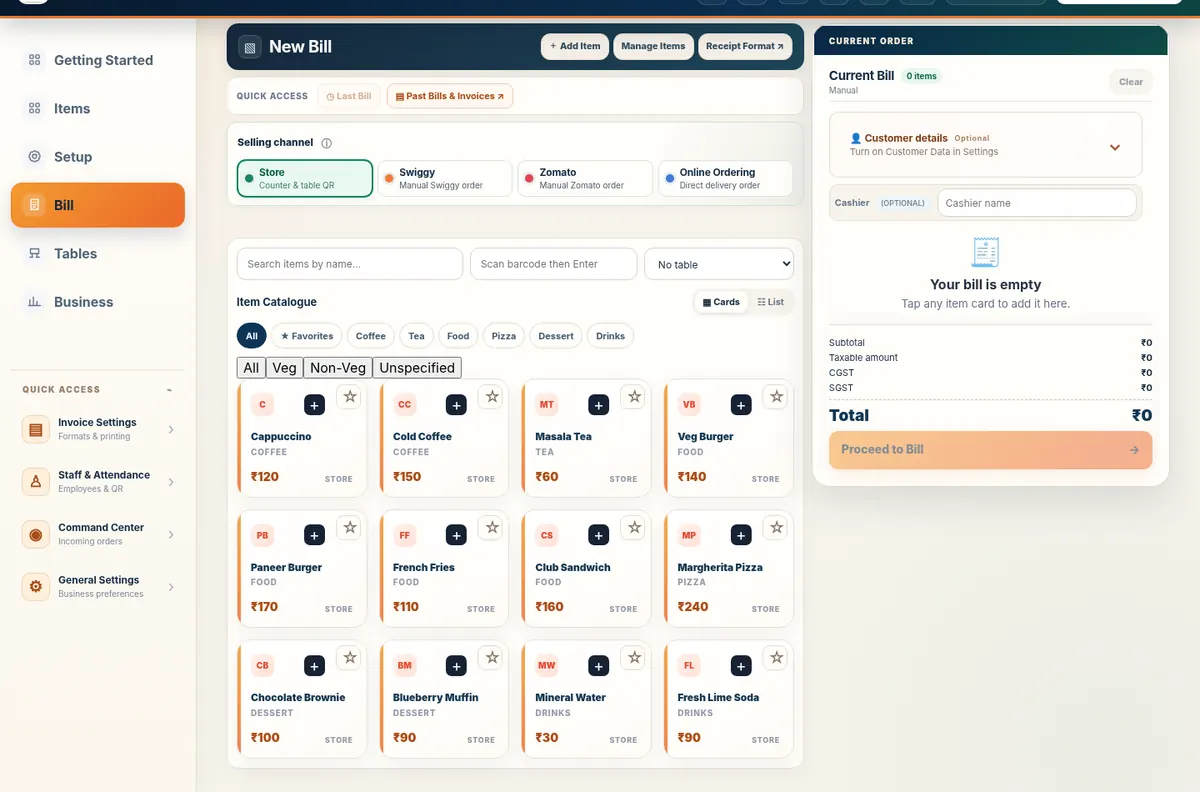
Dine-in service has more handoffs than counter billing. A waiter or guest starts an order, the kitchen needs a clear ticket, the table may add another round later, and the cashier needs one reviewed settlement at the end. Free Restaurant Billing keeps those steps connected instead of treating every order as an isolated invoice.
Track table occupancy and bring supported orders together before final settlement.
Give the kitchen a structured digital order flow instead of depending only on verbal or handwritten instructions.
Let restaurant staff place table orders from a phone using the dedicated captain workflow.
Use a guest QR for menu-only or self-ordering configurations without forcing a separate guest app download.
Configure tax settings and review the final bill before collecting cash or UPI.
Keep restaurant items, raw materials, suppliers and purchase records connected to daily operations.
A small restaurant can start with one billing device, create its menu, configure tables and print or share bills from the counter. If the outlet wants a more connected floor, it can then enable captain ordering, kitchen display and Table QR Ordering. The product does not require you to redesign the restaurant around the software on day one.
Create your restaurant account, add or preload a menu, review your rates and start billing. Core billing has no trial clock or billing limit.